Now, as English teachers, we can always use this tool to help our students develop their writing skills by having them write in a group. Students can interactively change ideas and correct each other using Google Document.
Now, let us try using this tool for students assignment below:
Assignment for students

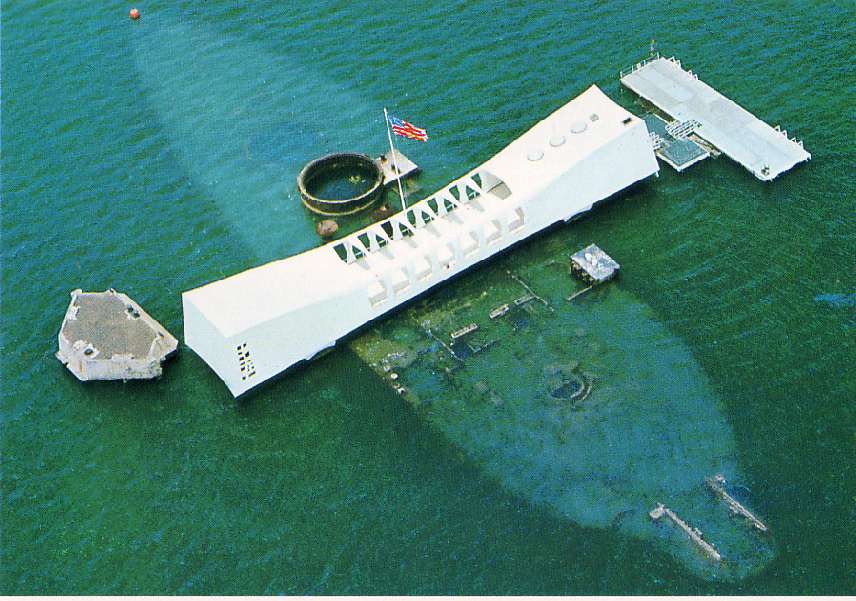
Above is the picture of USS Arizona Memorial which is situated in the famous historic site in Hawaii, the Pearl Harbor.
1. In your group, using Google Document, you are required to write about this historic site and other interesting places that you can find here. Your group must come out with an essay of 200 - 300 words.
2. In your essay, please include images and a map on how to get there (you can use Google map for this purpose).
3. Once your essay has been shared and edited together by the group members, share your essay with your teacher to be marked.
1. In your group, using Google Document, you are required to write about this historic site and other interesting places that you can find here. Your group must come out with an essay of 200 - 300 words.
2. In your essay, please include images and a map on how to get there (you can use Google map for this purpose).
3. Once your essay has been shared and edited together by the group members, share your essay with your teacher to be marked.

How was it Dr Martha?
ReplyDeleteGreat job, Suryani. Your blog is a good one for teachers to share their ideas and lesson plans.
ReplyDeleteExcellent work and informative data help a lot to both teachers and students.
ReplyDelete